
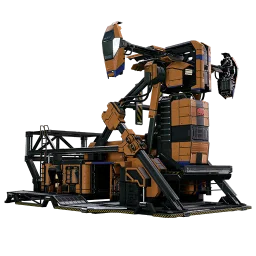
SatisfactoryBase is three tools that share one set of data: an interactive map of the game world, a planner that works out production chains for you, and this wiki of items, recipes, buildings and mechanics. You don't need an account to try any of them.
Do you need an account?
You can start without an account. Your map and planner work stays in this browser. It won't follow you to another device, and clearing your browser data can delete it.
A free account (email or a linked Google account) lets you save worlds. Each world keeps the factories, map layout and resource-node seed for one playthrough together. Keep it private or share a read-only link to show someone your base or ask for help with a bottleneck.
The map
The map shows every resource node, resource well, geyser and collectible from the game data, filterable by type and purity. Inside a world you can place markers for your own factories and transport stops, and connect a resource node straight to a factory: SatisfactoryBase then works out the extraction rate for you from the node's purity and the miner you choose.
The planner
Tell the planner what you want to produce and at what rate. It calculates the recipes, machines and power you need. You can also build the chain by hand and check the numbers as you go. The planner uses the same data as the wiki pages for Items, Recipes and Buildings.
For a walkthrough of the screens and controls, see Using SatisfactoryBase.
The wiki
Use the wiki when you need a recipe, a rate or a building detail. The item, recipe and building pages use the Satisfactory 1.2 game data. Other articles cover the world, creatures, collectibles and equipment. Search from the wiki home, or follow a link from the map or planner.
Five minutes to your first factory
- Pick a start location and look at what resources sit nearby on the map.
- Open the planner and set a small target, such as a basic part you want more of.
- Build the chain by hand or with the planner, then check its power and belt requirements.
- If you like what you see, sign up and save it to a world so it's there next time.
You can come back to the wiki whenever a particular part of the plan needs a closer look.