
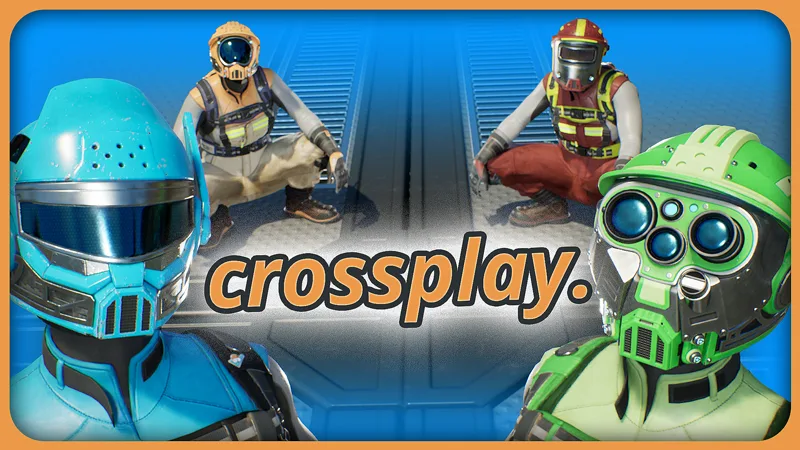
On 4 November 2026 Coffee Stain released update 1.2.5.0 (Build 517554). Its headline feature is crossplay: players on Steam, Epic, PlayStation 5 and Xbox Series X|S can now play multiplayer sessions together, even if each of them is on a different platform. The update arrived exactly one year after the console release.
As of 5 November 2026. Everything on this page comes from the official patch notes on Steam and the crossplay FAQ on satisfactorygame.com (links at the end).
What you need
- An Epic Games account. Crossplay runs through Epic Online Services. The account is free, and you can create it inside the game under Online Settings if you do not have one yet.
- Single-player needs no extra account. On Steam you can also keep playing multiplayer only with other Steam players over Steam, without an Epic account.
- On consoles, every multiplayer session needs an Epic account, crossplay or not, because consoles use Epic Online Services for all multiplayer.
Setting up crossplay
- Link your accounts. You and your friend each link the account of your own platform (Steam, PlayStation or Xbox) to an Epic account.
- Be friends on both sides. You need to be friends on your own platform and on Epic. You add Epic friends in the Epic Games Launcher. For the cross-platform friends list you may have to sign in once on the Epic website or in the launcher.
- Join. Your friend's crossplay session now shows up in the Join Game menu.
If the session does not appear:
- Check your platform's privacy settings. Others must be allowed to see your profile.
- Shut down the PC or console completely, start it again and relaunch the game.
- Try joining through your platform's system friends list instead.
What crossplay does not do (yet)
- No dedicated servers for consoles. Dedicated servers run on PC only. Console players cannot join them, so a crossplay session is always hosted by a player.
- No mods in mixed sessions. Consoles do not support mods, so only unmodded sessions can use crossplay. Between PC players the old rule still applies: everyone needs the same mods.
- No cross progression. You cannot continue a console save on PC or the other way round. The save stays on the platform of the player who hosts the session.
Other changes in 1.2.5.0
The patch contains no recipe or balance changes, so production lines and plans in SatisfactoryBase stay valid. The most useful fixes for players:
- Daisy chaining now also works on the Radar Tower and the Priority Power Switch. The ON/OFF buttons in the Priority Groups menu of the Priority Power Switch work again.
- Multiplayer: possible fixes for players who could not join large saves. Coffee Stain notes that some of these problems remain.
- Vehicles: reworked autopilot logic, so vehicles trail less and take fewer path reservations from the vehicle ahead. Vehicles no longer teleport between crossing paths, no longer get stuck in Truck Stations, and Truck Stations snapped to a vehicle path can no longer be nudged.
- Blueprints: fixes for crashes with Blueprint Autoconnect on blueprints that contain errors, and for a crash after opening and closing the Blueprint Designer or a vehicle inventory many times.
- Building: stackable supports for conveyors, pipelines and hypertubes rotate in 45° steps on foundations again. Dismantled items no longer merge into an existing crate that is more than 100 meters away.
- World: the water in the Rocky Desert is now deep enough for Water Extractors. Several holes in the map around waterfalls are closed.
- Controls: key bindings that overlap with other inputs can now be rebound properly.
- Telemetry: a one-time popup asks whether you want to share gameplay data. You can change your answer later under Options > Gameplay > Send Gameplay Data.
Sources
- Official patch notes on Steam: "Crossplay is now available in Satisfactory!" (Coffee Stain Studios, 4 November 2026)
- Crossplay FAQ on satisfactorygame.com
- Crossplay trailer on YouTube (embedded in the announcement)